From logo to large format: what to send your graphics shop
A practical artwork checklist for vehicle wraps, wall murals, banners, and graphics that need to look sharp at scale.
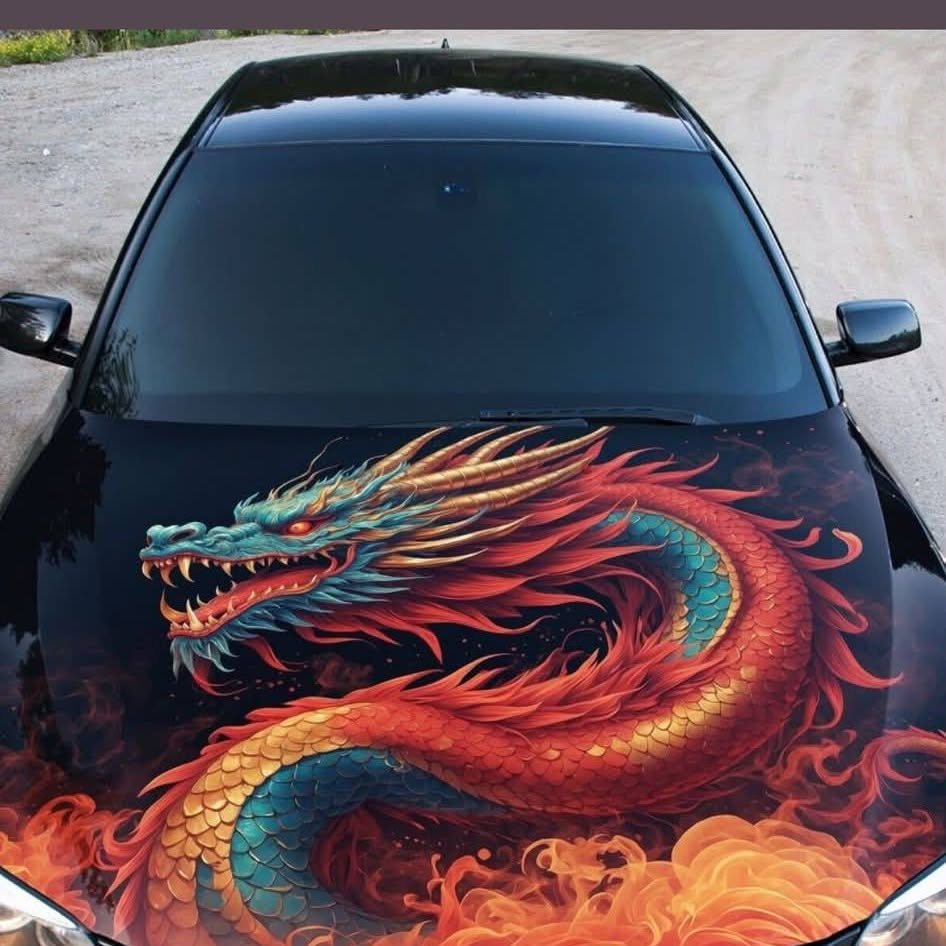
Send the best original files you have, plus the final size, application, and reference photos. Let the production team confirm the exact file requirements.
Start with the original logo files
A logo that looks crisp in an email signature may be a small image intended for a screen. Enlarging it across a van or wall can reveal soft edges that were difficult to see at its original size. Before sending a screenshot, look for the files supplied by your designer or brand agency.
Vector artwork is useful for logos and lettering because its shapes can be scaled without becoming a grid of enlarged pixels. An AI, EPS, SVG, or PDF file may contain vector content, but the extension alone does not guarantee that everything inside is vector. Send the original and let the shop check its contents.
For photos, share the highest-quality original
Photographs are different from vector logos. Their useful size depends on the actual pixel dimensions, the intended print size, and the viewing distance. A close-view interior graphic has different demands from a large image seen from across a room.
Send the camera original or the highest-quality licensed download you have. Avoid repeatedly saving, resizing, or compressing it before sending. Changing a resolution number in an image editor cannot recreate missing detail. Ask the production team to evaluate the image at the scale and distance of the finished installation.
Explain where the artwork will live
Artwork preparation starts with the application. For a vehicle, share the make, model, year, body style, and photographs of each side. For a wall, include width, height, surface photographs, and the location of doors, outlets, fixtures, or other interruptions.
Indicate whether measurements are approximate or confirmed. A picture of the complete area often explains more than a close-up alone. The designer needs to understand where a graphic begins and ends, how it will be viewed, and which details should stay clear of edges or obstacles.
Include brand colors, fonts, and useful references
Share your brand guide if one exists. It can establish the logo variations, color references, spacing rules, and approved typefaces. A printed reference can help explain the color direction, especially when the only other reference is a phone screen.
Screen color and printed color do not always appear identical. Material, lighting, and the print process all affect the result. If a particular color match is important, discuss how it will be checked before production. Ask the shop whether fonts should be outlined or supplied, and keep an editable master of your artwork.
A simple checklist before you upload
- The original logo and any alternate approved versions.
- High-quality photos with permission for the intended use.
- The exact text, phone number, website, and other required information.
- Brand colors and fonts, if available.
- Final dimensions or vehicle details and current photographs.
- Reference images that show the style you are aiming for.
- Your target date and who will approve the final proof.
Ask for the job's bleed, scale, color settings, and file format before exporting a final production file. Those specifications depend on the actual application. A banner, a vehicle panel, and a wall mural should not automatically share the same setup.
Review the proof as carefully as the design
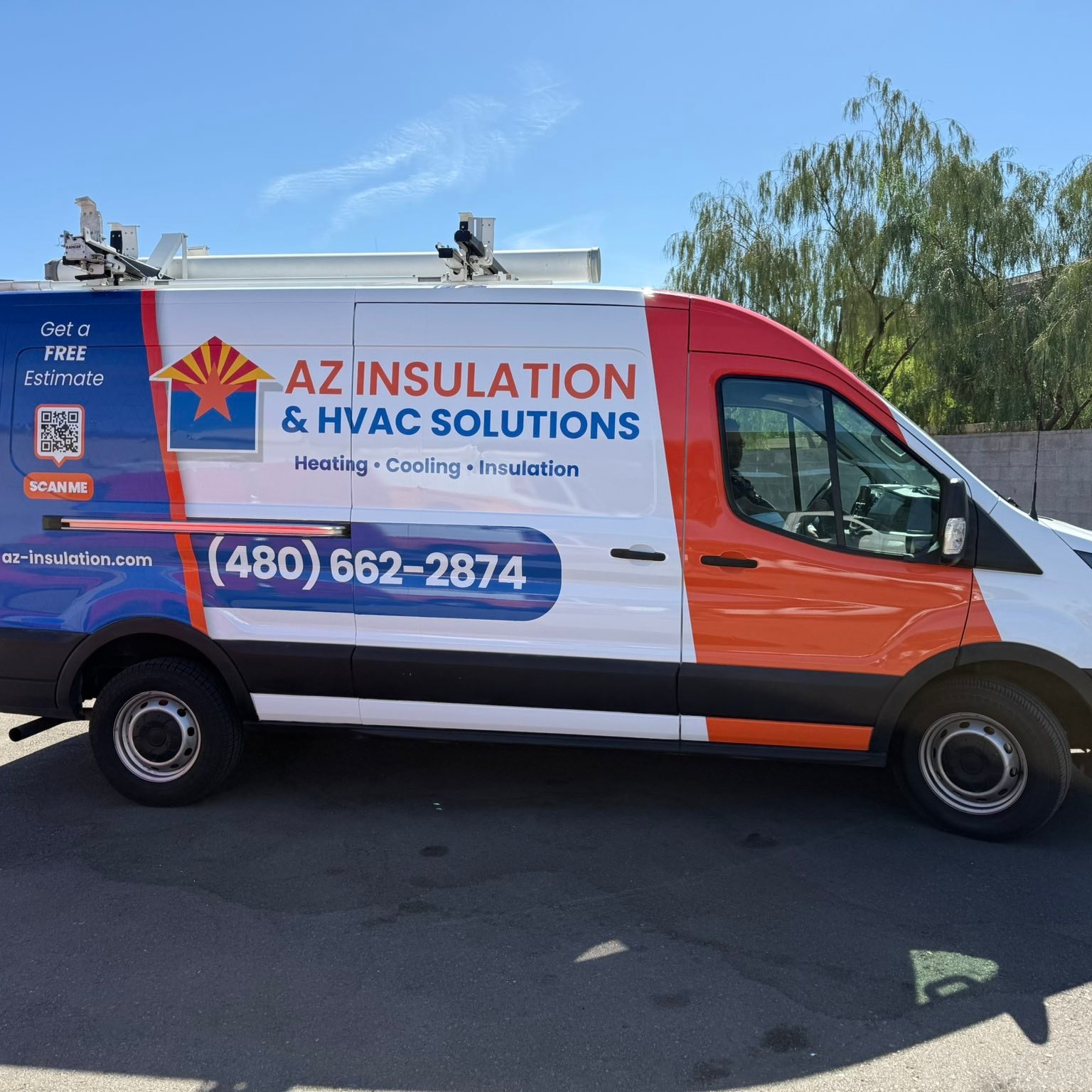
Check names, spelling, phone numbers, web addresses, and the exact wording of the message. Review important content near panel seams and edges. If a QR code is included, confirm its destination and discuss practical size and placement before approving it.
A&M Graphics can create artwork from a concept or clean up existing files before large-format printing. Send what you have, even if it is incomplete, and describe the finished piece you need. The team can assess the next steps instead of asking you to guess at production settings.
Common questions
What if I only have a small logo image?
Send it for assessment. The shop can explain whether it is suitable at the intended size or needs to be rebuilt.
Should I export everything at 300 DPI?
Ask for the requirements for the specific job. Final size, viewing distance, image quality, and the production workflow all matter.
Make it your next project.
Talk through your vehicle, artwork, or space with A&M Graphics.
Explore design & printing